
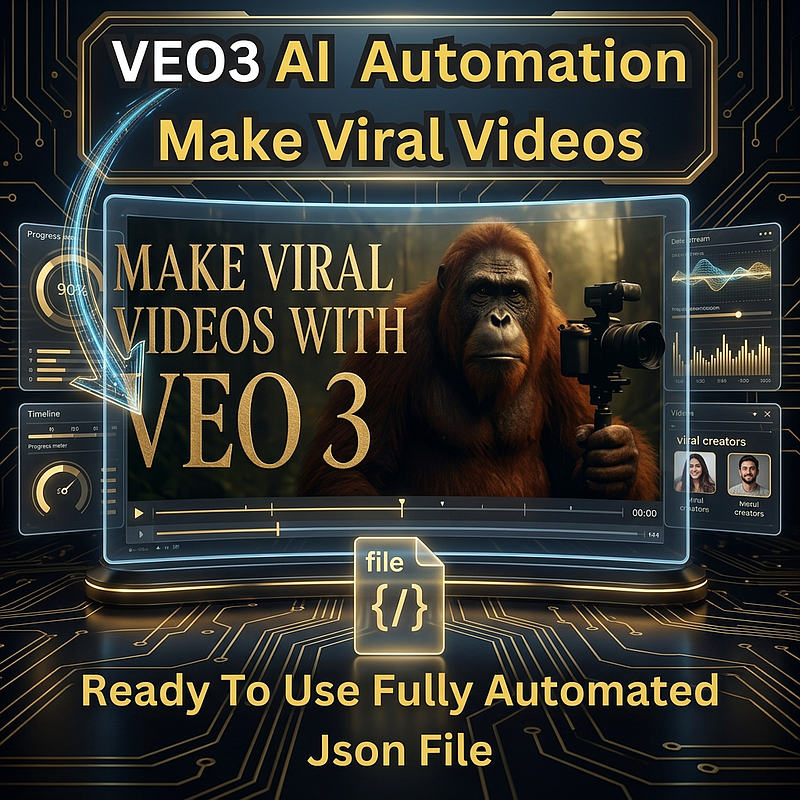
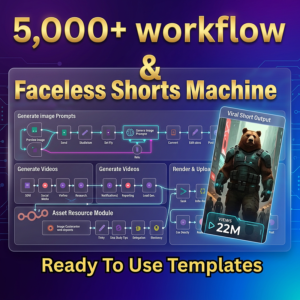
Transform your content creation with this powerful AI Video Generation Workflow built for VEO 3.
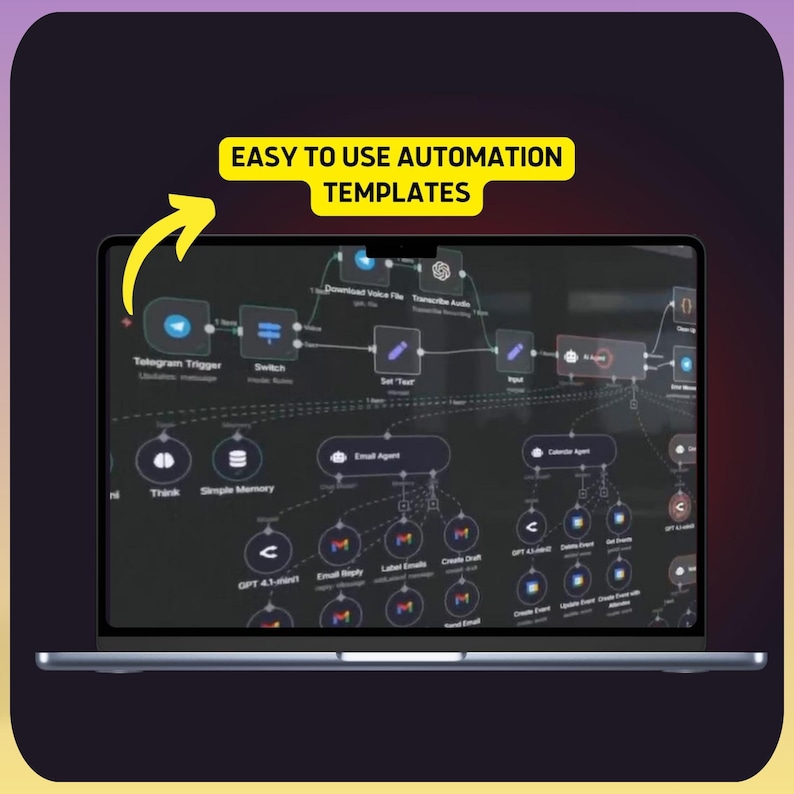
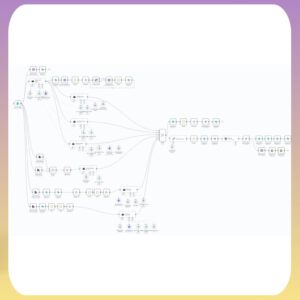
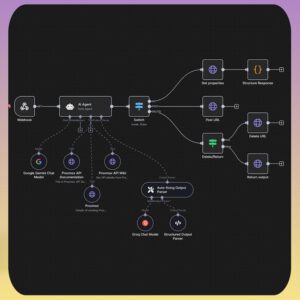
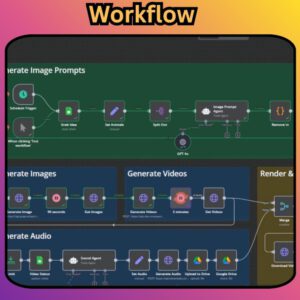
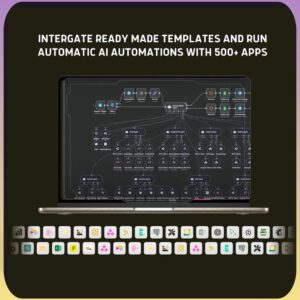
This no-code n8n automation streamlines the entire video production process—from generating creative prompts to producing cinematic AI videos—without writing a single line of code.
Whether you’re a creator, marketer, or automation enthusiast, this workflow helps you produce high-quality AI videos faster and more efficiently.
🚀 Key Features
- AI agent generates optimized prompts for VEO 3 video creation
- Supports Manual Mode (full creative control) and Auto Theme Mode (instant generation)
- Automates video creation via VEO 3 API & WaveSpeed AI
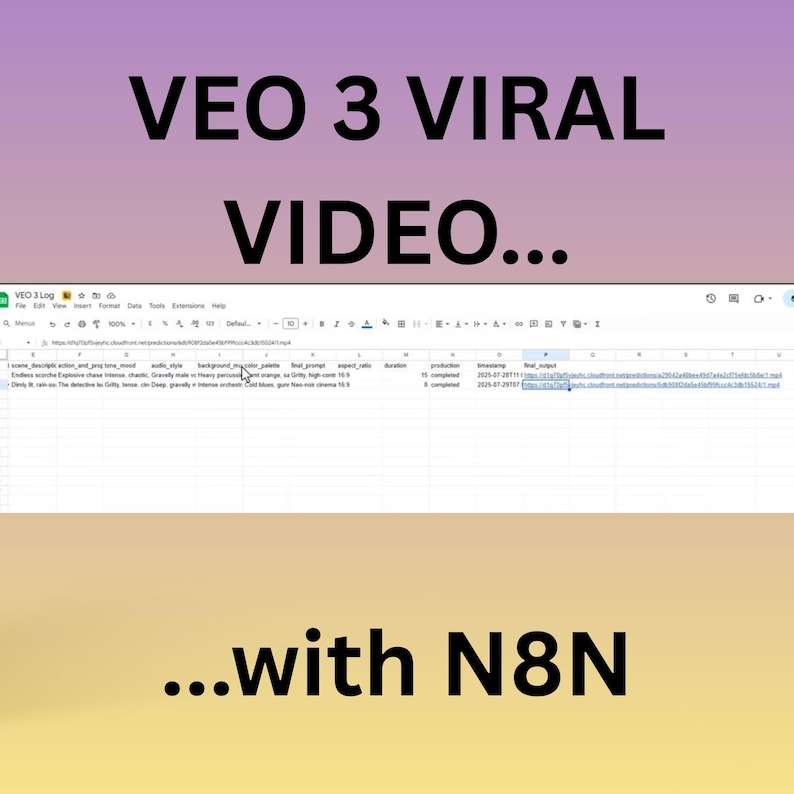
- Logs video outputs and details directly into Google Sheets
- 100% no-code workflow built in n8n
📦 What You’ll Receive
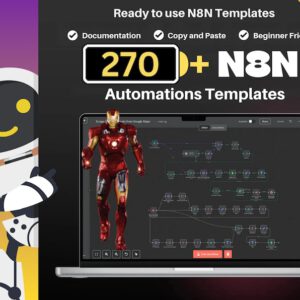
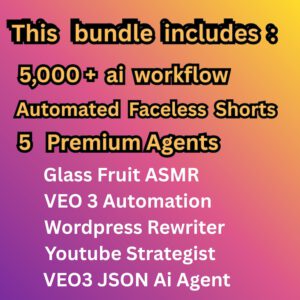
- 1× n8n Workflow Template (JSON File)
🎯 Perfect For
- Digital creators & marketers
- AI video content creators
- Short-form video production
- Automation enthusiasts
⚙️ Setup Guide (Quick Overview)
1. Requirements
- Active n8n account (Cloud or self-hosted)
- VEO 3 API key (API access enabled)
- Google Sheets API credentials
- Provided JSON workflow file
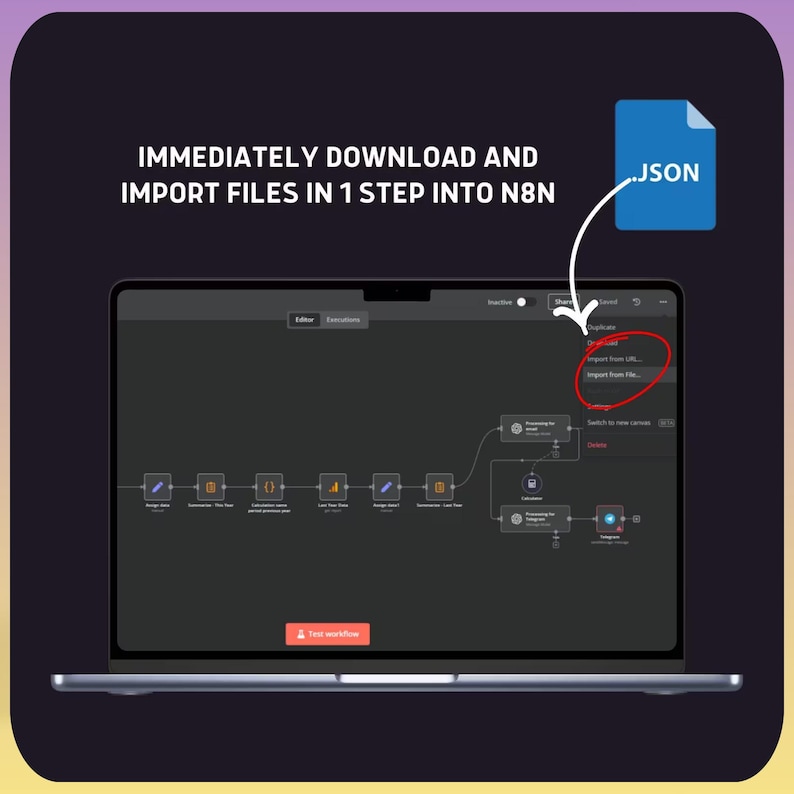
2. Import Workflow
- Log in to n8n
- Go to Workflows → Import
- Upload the JSON file and save
3. Configure Credentials
- Add HTTP credentials for VEO API
- Connect Google Sheets (OAuth2 or Service Account)
- Link credentials to workflow nodes
4. Customize Workflow
- Use Manual Mode for detailed inputs (scene, style, audio, etc.)
- Or switch to Auto Theme Mode for instant prompt generation
5. Run the Workflow
- Click Execute Workflow
- The AI agent generates prompts, creates videos, and logs outputs
- Access and download videos via generated links
6. Optional Enhancements
- Add email notifications
- Customize Google Sheets structure
- Automate runs using triggers (Cron, Webhooks, etc.)































 No products in the cart.
Reviews
There are no reviews yet.